
Accessing My Documents
Depending on the version of Windows, the Documents folder is either called Documents or My Documents. Both mean the same folder.
To access My Documents do the following
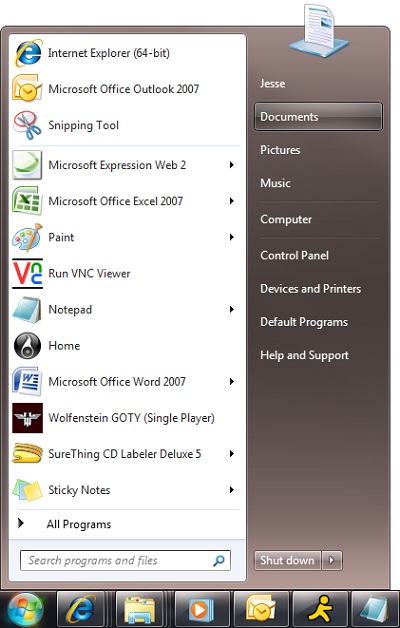
Via start button
- Click Start or Orb
- Click on either Documents or My Documents
 |
Via Search or run
- Use search or run
- Type in the following
- Windows XP and older
- Type in My Documents
- Windows Vista and Windows 7
- Type in Documents
- Windows XP and older
-
Click OK

Via Documents and Settings or Users
Change the default location of the Documents folder click here
You should back up your documents in the event of a system crash or virus. (if you have more than one profile on the computer, you will need to backup the data on more than one location)
Here is information on Backing up your system
Here is a short list of files you should back up