
External cord connections
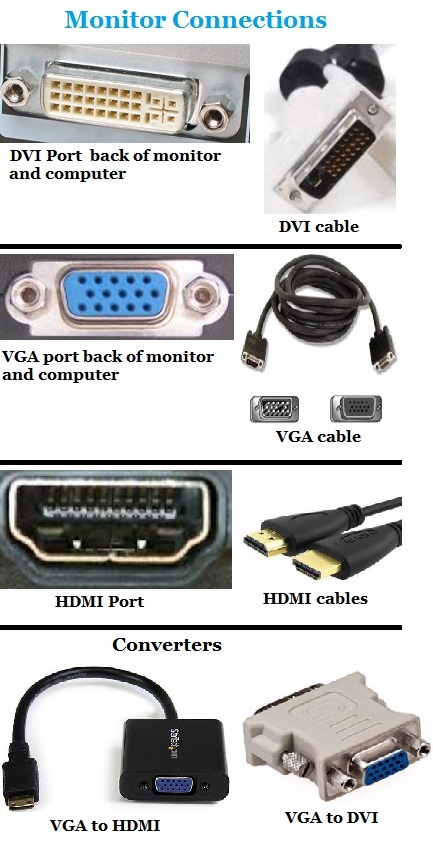
Here is the descriptions for the connectors on the back of the computer
NOTE: USB connections are hot swappable. This means you can plug the device in while you are in windows. This will not corrupt the windows or damage the system. Other connections can harm the system or corrupt windows if you plug it in while in windows. The connections that will harm the system is parallel cables, PS2 cables, monitor cables, speaker cables and other non USB cables. To connect non USB cables require you to turn the system off first and then connect the cables.
 |
 |
 |
|||
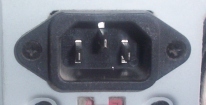
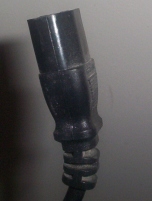
| Power cord connector | Power cord |
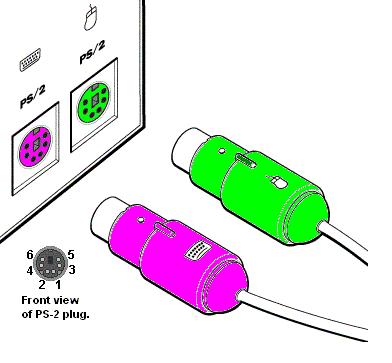 |
These are for the keyboard and mouse (the mouse and keyboard can also be connected to the USB and if they are connected to the USB then these will not be used).
 |
USB ports
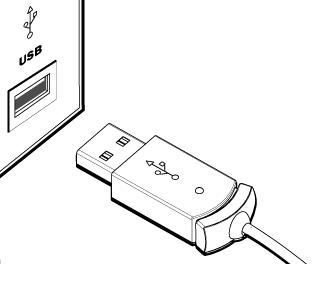 |
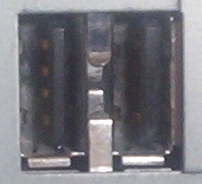
These are for various types of equipment such as keyboard, mouse, printers, scanners and other external devices. Can hook up to 127 devices using hubs on this device. Click here for more information
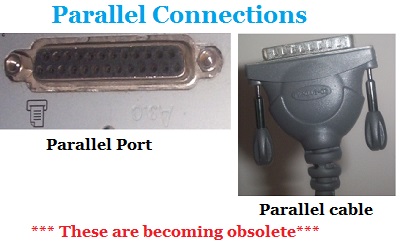 |
This is for a printer, scanner or other devices. Most devices are getting away from this device and going to the USB. The USB is faster than this device.
 |
Serial
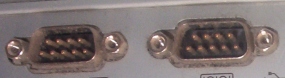
These are becoming obsolete. These are used for palm pilots, external modems and so forth but most of them use the USB now.
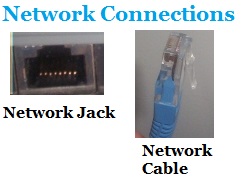 |
NIC is short for Network. This connector is mistaken for the modem phone line jack because it looks similar. This one however is bigger than a phone jack. This allows you to connect to an internet. Also high speed modems use this also. This port can be located in two different locations also. It can be integrated or a PCI card.
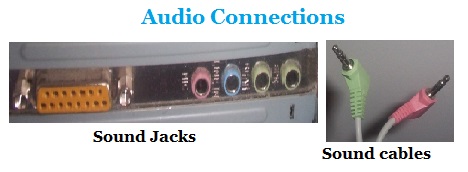 |
This allows you to connect a joystick, speakers, mic, headphones or audio device to the system. This can be located in two different locations. It can be an integrated device or on a PCI card. The sound card may have more jacks or less jacks than this one shows and the colors can be different. The speaker cables can vary to depending on the speakers.
 |